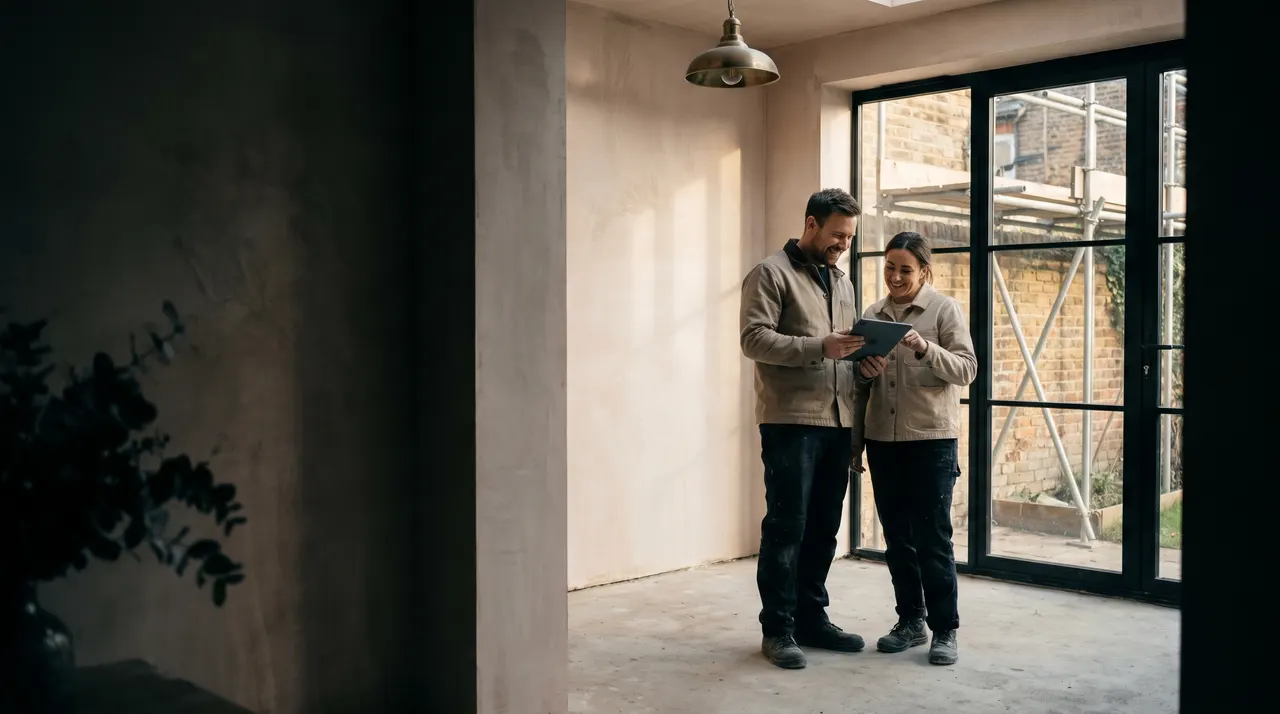
Software we wrote · built to order
Your customers' own page for their job.
Progress, photos, documents and payments in one place. They always know what's happening, and you stop answering the same questions.
- Used in Sam's other company
- Priced on your specification
- In your colours
What it does for you
Fewer “how's it going?” calls. Happier customers.
A big job is a big worry for a homeowner. A page that answers their questions builds trust every day.
They always know
Progress, the next step and who's coming, without ringing you.
Everything in one place
Drawings, certificates, guarantees and invoices.
Paid on time
Each stage payment with a pay button right there.
What your customers see
Their job, week by week.
On their laptop at home, and on their phone when you post an update from site.
- Groundworks
- Walls
- Roof
- Windows
- Kitchen
- Handover
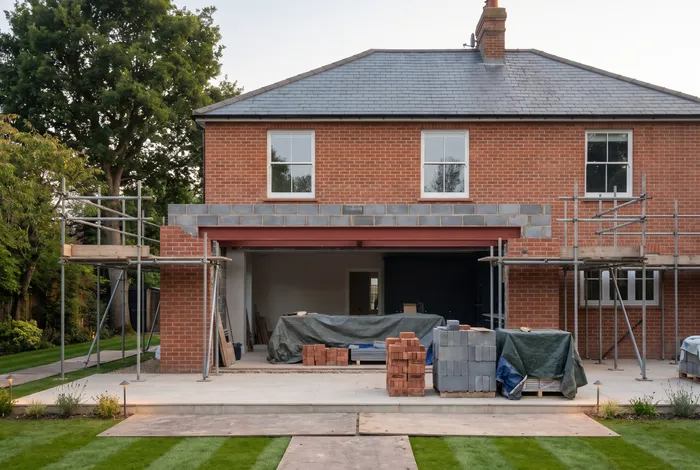
Roof timbers are up. The lanterns arrive on Thursday.
3 new photos- Progress, week by week, with the next step.
- Photos and updates straight from site.
- Documents, all in one place.
- Payments, with a pay button for each stage.
Example screens, in Brackmere's style. The customers, the house and the figures are made up; the site photo is an illustration.
What you do
A photo and a line. Thirty seconds.
Post from site on your phone. Your customer gets a note, and the update stays on their page for good.
- Snap a photo on site.
- Add a line: what's done, what's next.
- Post it. They're told straight away.
Before and after
Same job. Far fewer phone calls.
Without a portal
Questions all day, every day
- “How's it going?” calls while you work
- Drawings lost in someone's inbox
- Chasing stage payments by text
- Worried customers at 10pm
With a portal
Calm customers, paid on time
- They check their page instead
- Every document in one place
- A pay button on every stage
- Updates they show the neighbours
What's included
Everything about their job, on one page.
Built to order, so it shows exactly what your customers need to see.
- Their project at a glanceProgress, this week and the next step.
- Photo updatesPosted from your phone on site.
- DocumentsDrawings, certificates and guarantees.
- PaymentsEach stage with a pay button.
- MessagesOne thread per job, nothing lost in texts.
- Your brandYour logo and colours throughout.
- Private to each customerThey only ever see their own job.
- AftercareGuarantees and service dates after handover.
How it works
Built once. A page for every job.
A fixed price before we start, and you own what we build.
First
We plan your portal
What your customers should see, and what you'll want to post.
You: a 20-minute call.
Then
We build it, at a fixed price
In your colours, joined up with your proposals and payments.
You: approve the design.
Every job after
Each job gets a page
Set up when they sign. You post updates from your phone.
You: a photo now and then.
Do customers need to download an app?
No. It's a private web page for their job, opened from a link on their phone or computer.
Can I post updates from site?
Yes. Take a photo, add a line, and it's on their page in seconds.
Is it private?
Yes. Each customer only ever sees their own job.
Does it work with my proposals?
Yes. When a proposal is signed, their page can be set up from it, with the stages and payments already in.
What does it cost?
It's built to order, priced on your specification and requirements, with the price agreed in writing before we start, and you own what we build.
Keep going
Joined up from first quote to handover.
The portal works best with the apps around it.
 SoftwareProposal softwareSigned, paid and tracked.
 SoftwareLead management & CRMEvery job on one board.
 Case studyProgressive83Every client has their own portal.
Next appCustom apps
Quote calculators, job sheets, van scheduling: anything repetitive, automated.
Next →Rather talk it through? Twenty minutes with us, and a written plan afterwards.Book a strategy call